Setup Visual Studio Code + tools kit
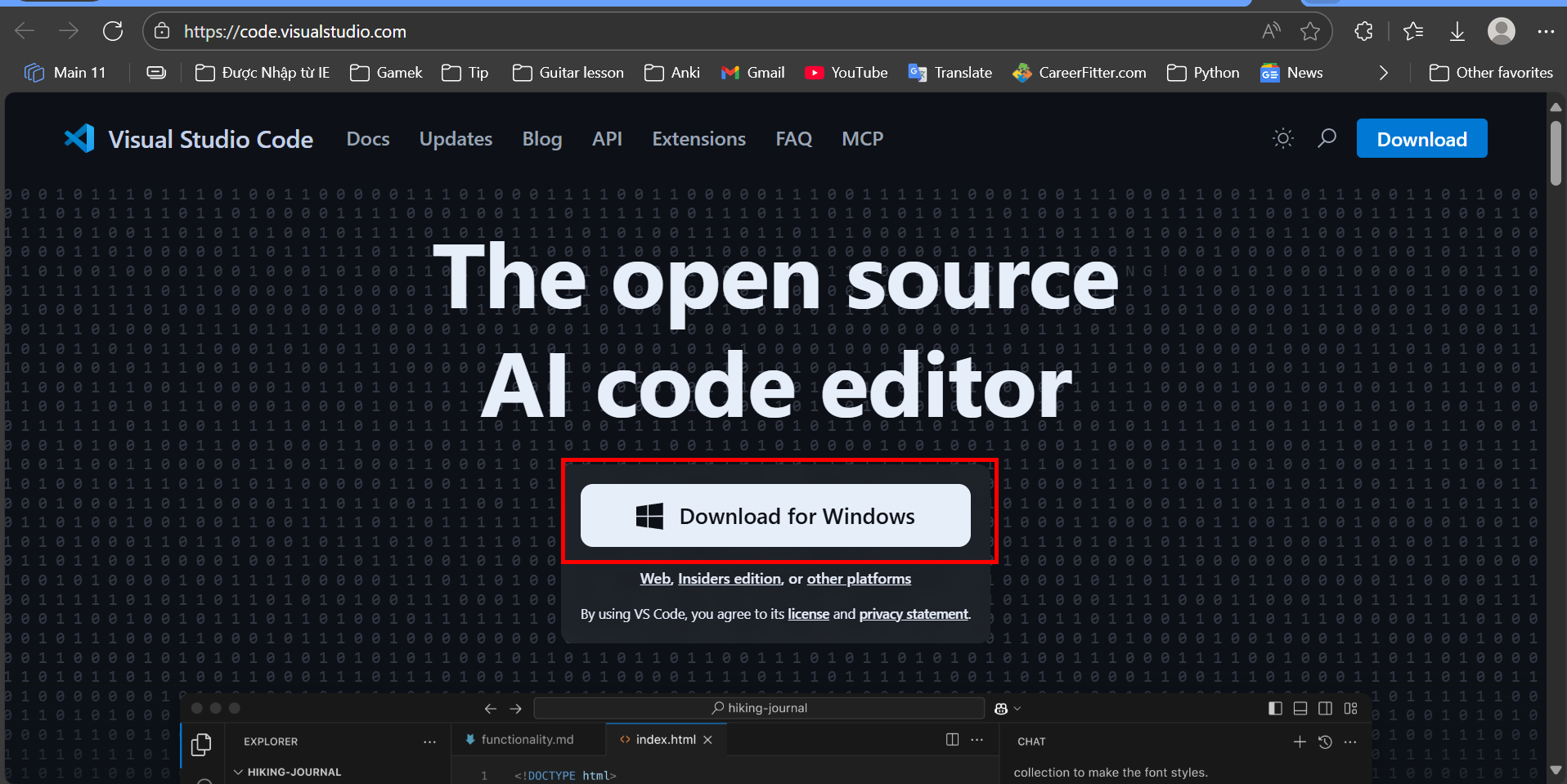
1.Install Visual Studio Code
Use link below to download Visual Studio Code:
2.Install Visual Studio Code tools kit
Use link below to download Visual Studio Code tools kit:

the link will open up VS Code extensions window, install AWS Toolkit:

When done, login with “IAM Credentials”

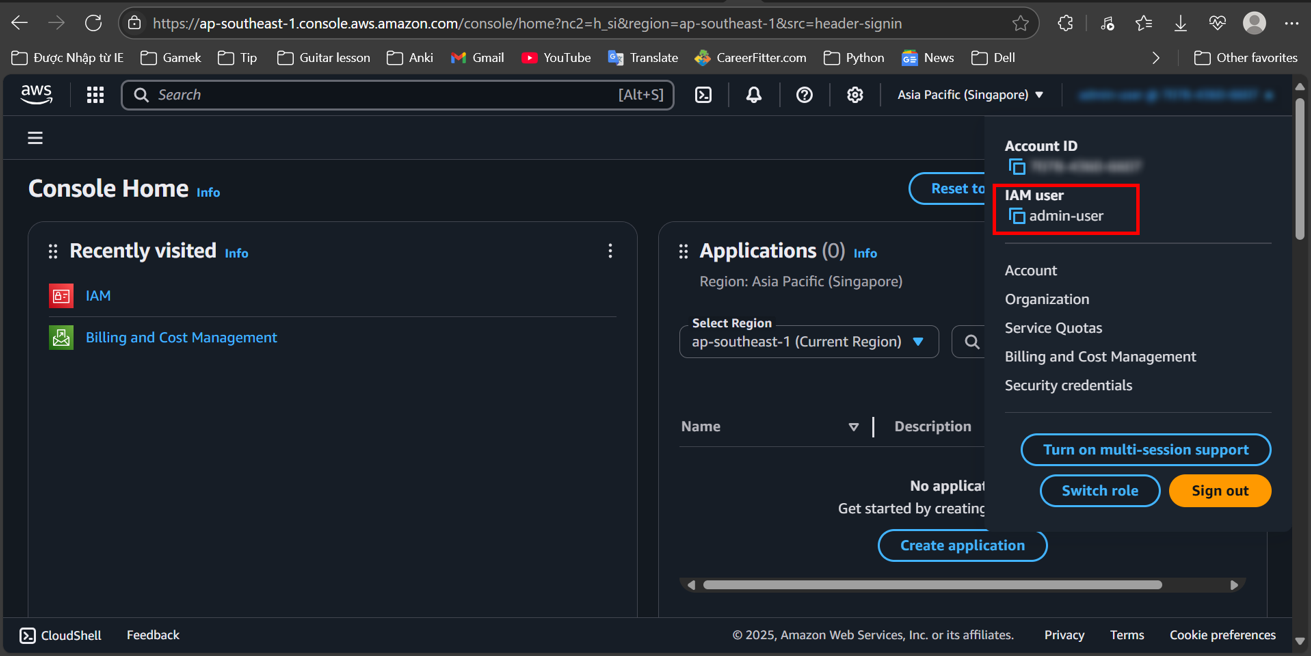
You can get Profile name in AWS Console, Access key and Secret Key in previous step

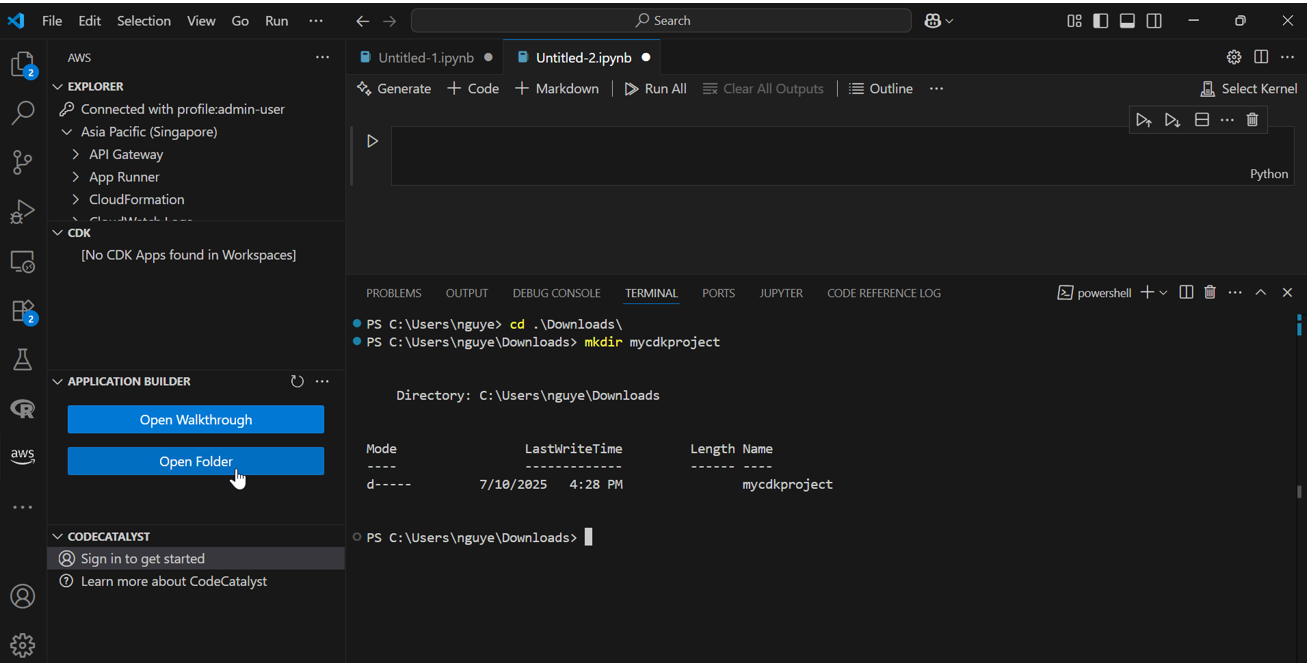
create a new folder for our project, let’s name it: “mycdkproject”

Make sure you are in the root directory of your project:
mkdir mycdkproject
Choose: “Open Folder”
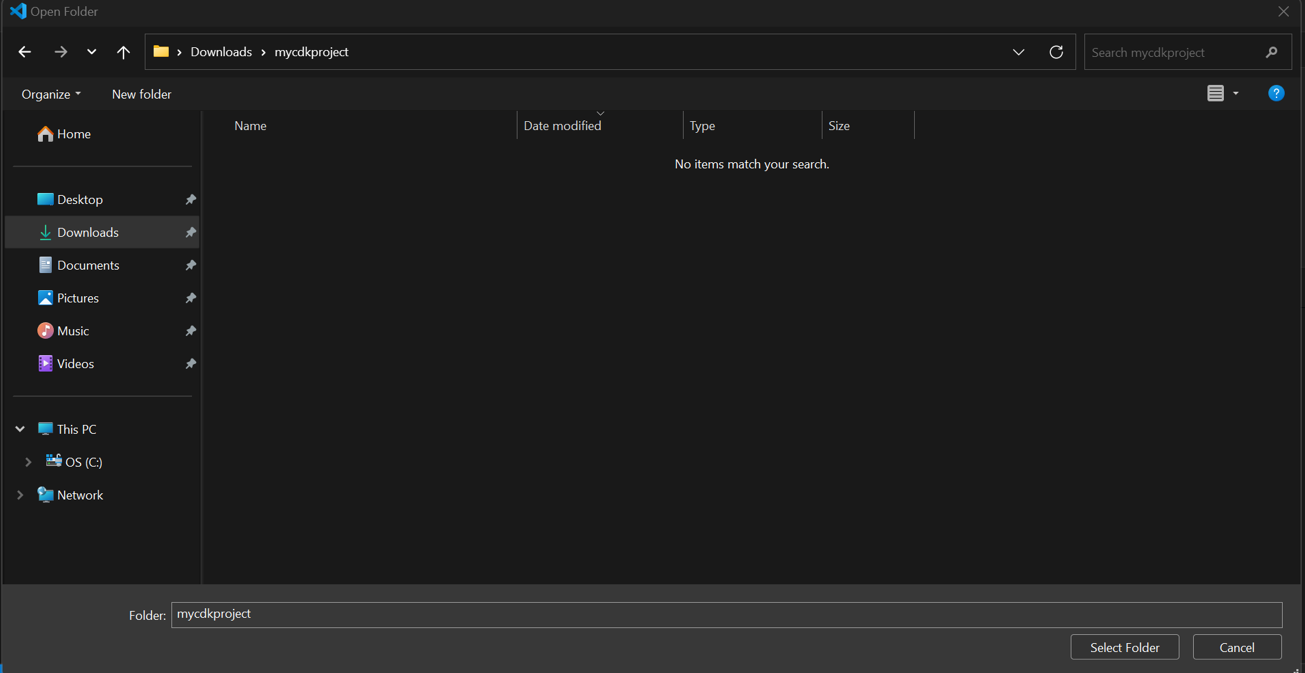
choose a destination and name the folder “mycdkproject” and click on “Select Folder”
You will be open a new window that has the “MYCDKPRJECT” on the left panel
