Whitelist IP to access EMR
Next you will need to whitelist your IP so that you can access EMR.
First let’s open up EC2 security group and click on Primary node
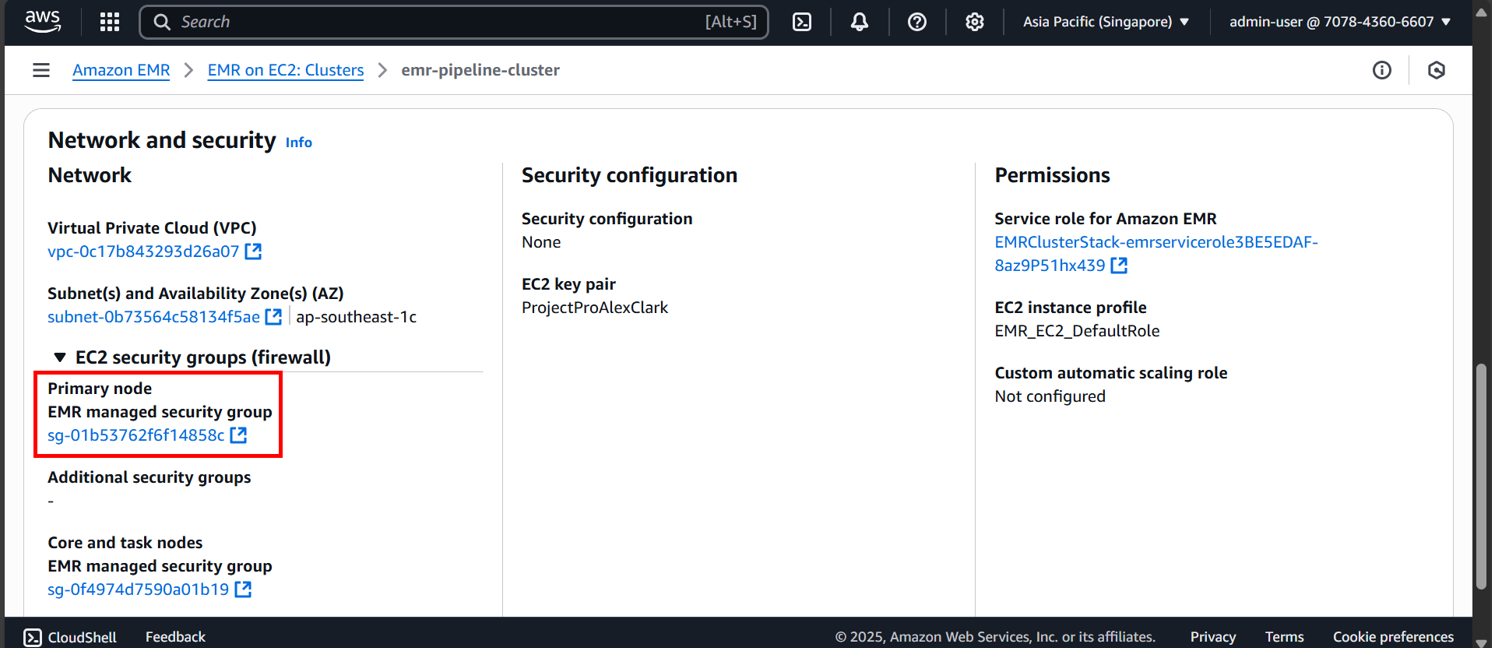

Scroll down and add rule


SSH -> My IP -> Save rule
Now try:
aws emr ssh --key-pair-file ~/ProjectProAlexClark.pem --cluster-id j-3SV9H2OBTRTDT
You’ll have to change ProjectProAlexClark.pem and j-3SV9H2OBTRTDT
You’ll have to find your home directory and put ProjectProAlexClark (your keypair file) there.
Or find where ProjectProAlexClark (your keypair file) is and run command like this:
aws emr ssh --key-pair-file "C:\Users\your\key\pair\directory\ProjectProAlexClark.pem" --cluster-id [your EMR cluster id]
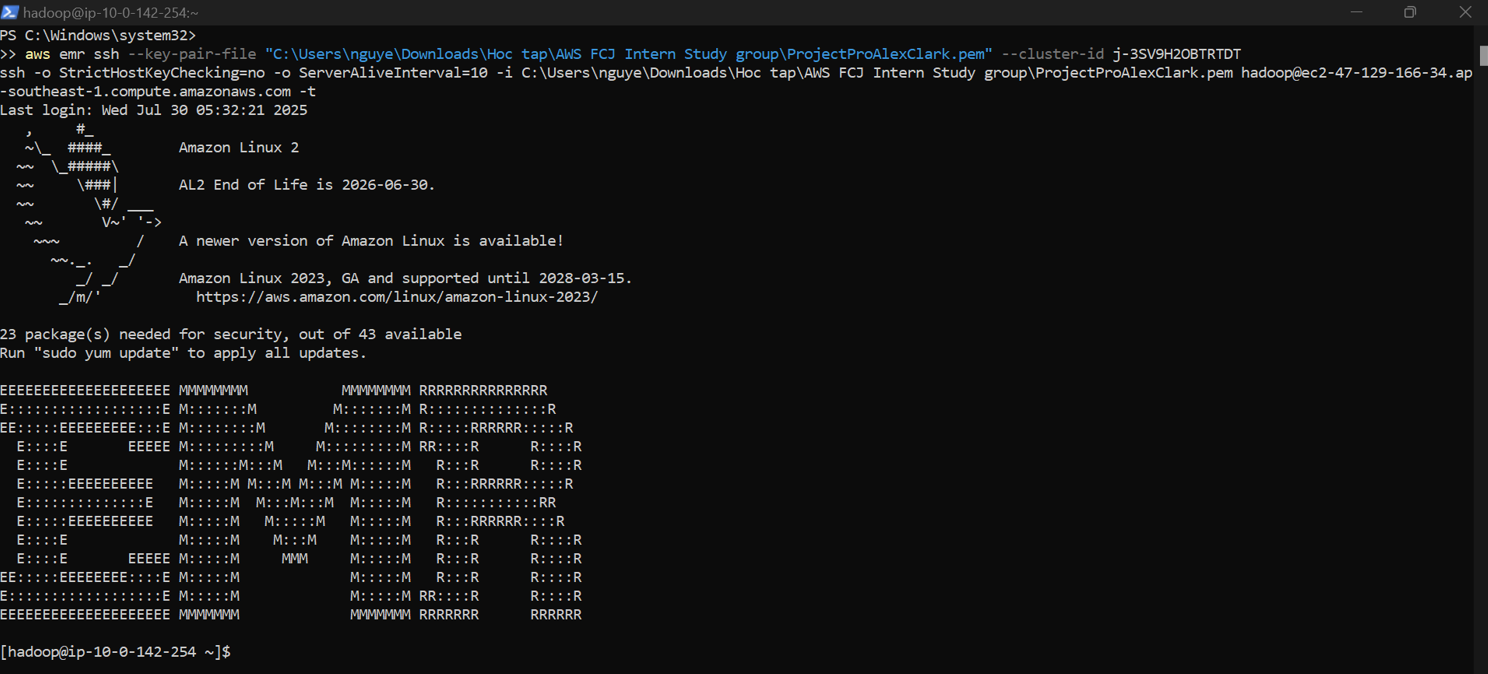
Update package:
sudo yum update
Then open hive
hive

With EMR open we can start to see tables:
show tables;

See table values:
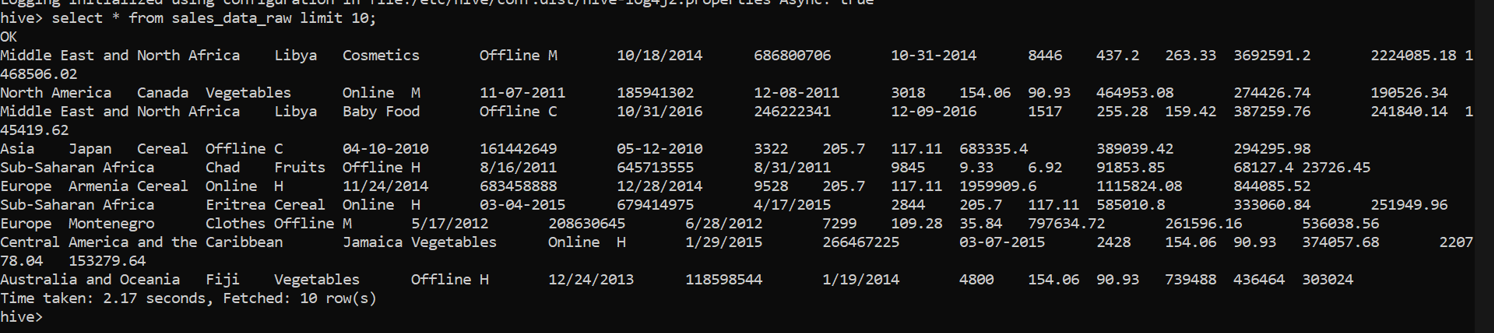
select * from sales_data_raw limit 10;